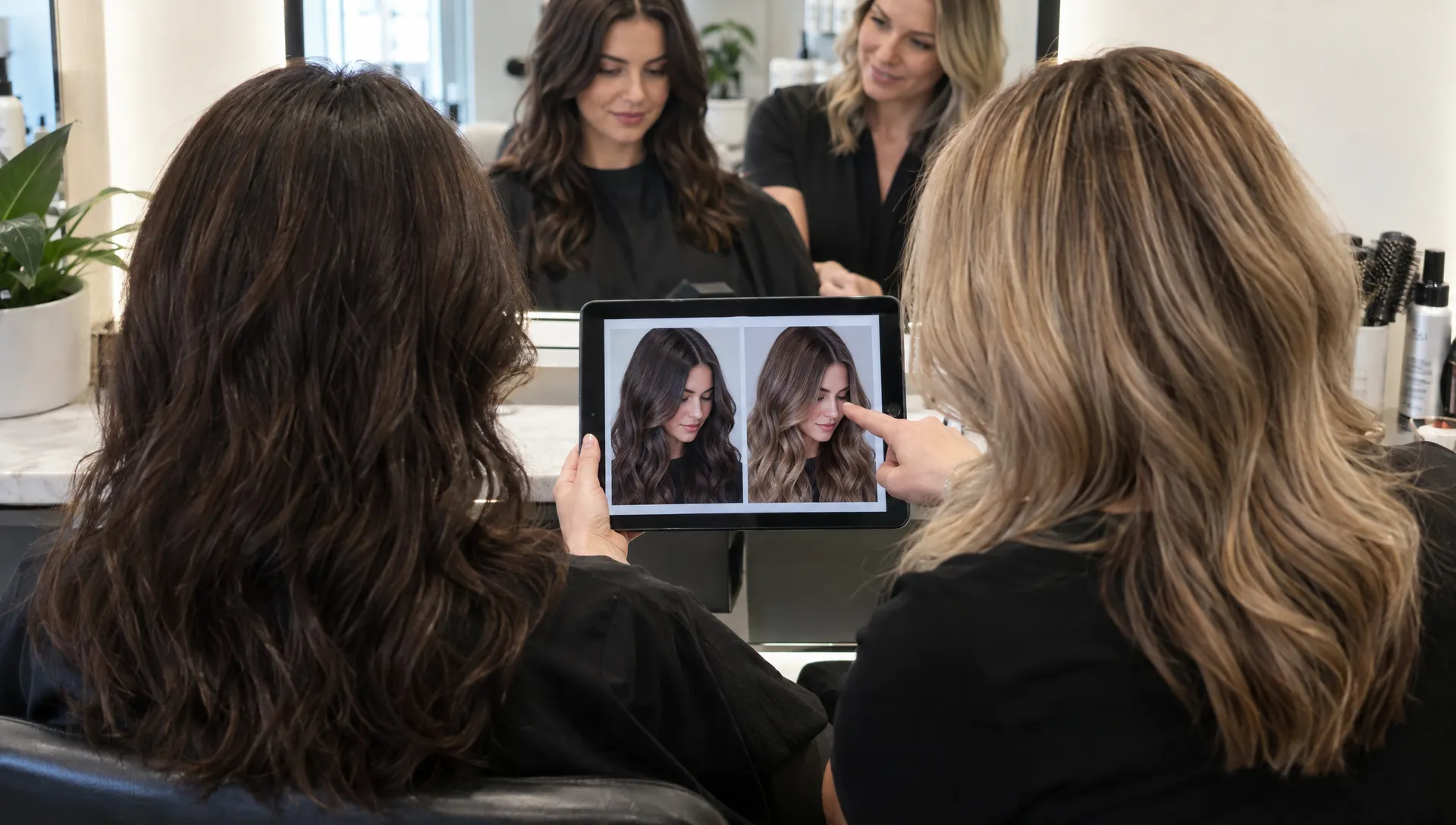
A hair color changer app can help you picture yourself with copper, brunette or blonde hair, but it cannot reliably predict your finished salon color. It changes the appearance of a photo or live camera view. It does not test how your hair will respond to lightener, permanent color or toner.
That distinction matters when a preview makes a major transformation look effortless. The app might show an even, pale blonde over dark hair without revealing the work needed to remove pigment, manage warmth or protect fragile ends. A convincing image is not evidence that the shade is achievable in one appointment.
Still, virtual try-ons have a useful role. They can help you narrow down colors, notice which tones you prefer around your face and explain your goal to a stylist. The best approach is to treat the preview as a conversation starter, then let a professional assess what your actual hair can support.
What a hair color changer can actually predict
Most virtual color tools identify the hair area in an image and alter its color digitally. Some use augmented reality for a live preview, while others work from an uploaded photograph. Their usefulness depends on how accurately they separate hair from skin, clothing and the background.
They are generally more helpful for comparing broad choices than for predicting a precise salon shade. You might discover that you prefer a deeper brunette to a lighter brown or muted copper to bright orange. That is valuable preference information, even when the rendering is imperfect.
| What you want to know | How useful is a virtual preview? | What still needs professional assessment? |
|---|---|---|
| Do I prefer lighter or darker hair? | Useful for a broad comparison | How much lightening your hair can tolerate |
| Do I like warm or cool tones? | Useful if the photo has neutral lighting | Your underlying pigment and the color formula |
| Will highlights suit my look? | Useful if the tool supports realistic placement | Placement around your cut, texture and part |
| Can I reach this shade in one visit? | Not a reliable guide | Color history, condition and possible testing |
| Will my gray hair blend evenly? | Limited, especially with a flat color overlay | Gray distribution, resistance and coverage goals |
Use a hair color changer to identify a direction, not to select a chemical formula or demand an exact match. Even a realistic preview cannot establish how the finished color will look in every setting.
Why salon results depend on more than the image
Your starting color and underlying pigment
Hair color has both depth, often described as its level, and tone, such as golden, copper or ash. When hair is lightened, underlying warm pigment becomes visible. The amount and type of warmth depend on the starting hair and how far it is lifted.
An app can replace dark pixels with cool blonde pixels without accounting for that process. In the salon, reaching a cool blonde may require sufficient lift followed by toning. Adding an ash tone alone does not automatically turn dark hair into the pale shade shown on a screen.
Previous color changes the possibilities
A photograph does not reveal whether your darker ends contain permanent dye, whether you have overlapping highlights or whether you recently used a color-depositing product. Yet those details can change the service plan substantially.
As a general rule, applying a lighter permanent color does not reliably lift previously dyed lengths to that lighter shade. A stylist may need a different approach, particularly when there are bands of old color or uneven fading. A hair color changer cannot account for that history unless you supply it, and entering the information still does not replace examining the hair.
Tell your stylist about box dye, salon color, henna, lightening and chemical straightening treatments. Include approximate dates and product names when you know them.
Condition, porosity and texture affect the finish
Porosity describes how readily hair absorbs and releases moisture and other substances. More porous sections can absorb color differently from less porous sections, contributing to uneven results or faster fading.
Texture and styling also affect what you see. A smooth blowout reflects light differently from curls, and dimensional color may be more or less visible depending on how the hair falls. A filtered image can conceal both uneven condition and natural texture.
For a closer look at the physical side of a transformation, explore how salons protect hair while lifting color. Protecting the hair may mean adjusting the target shade or working across multiple appointments.
How to create a more useful virtual preview
Start with a clear, unfiltered photograph
Use a recent photo that shows your current hair, including the roots and lengths. Choose indirect daylight and avoid strong overhead lighting, colored bulbs or direct sun. Keep your face and hair visible against a background that does not blend into your hair.
Turn off beauty filters if possible. A filter that changes your complexion, contrast or shine makes it harder to judge the color itself. For the fairest comparison, use the same photograph for every shade you test.
A hair color changer is more useful when the starting image reflects your everyday appearance rather than a heavily edited version of it.
Compare a small range of shades
Try a few meaningful alternatives instead of scrolling through dozens of nearly identical colors. For example, compare a neutral brunette, a warm brunette and a soft copper if you want a richer look without a dramatic jump in lightness.
Judge depth and tone separately. You might like the warmth of one preview but prefer the darkness of another. That distinction gives your stylist more useful information than a single shade name, which may mean different things across apps and professional color lines.
If the app offers balayage or highlights, check whether it shows actual placement or merely overlays a lighter color across your entire head.
Save the comparison, not just the favorite
Keep your original photo alongside two or three previews. Write a short note about what appeals to you, such as “soft warmth, but not bright orange” or “lighter around my face, with a darker root.”
Also notice what the tool changed unintentionally. Did it smooth your curls, erase flyaways or make your hair appear thicker? Those changes can make a shade seem more flattering for reasons unrelated to color.
Before uploading personal images, review the app’s photo storage and deletion options. You do not need to share more personal information than the try-on requires.
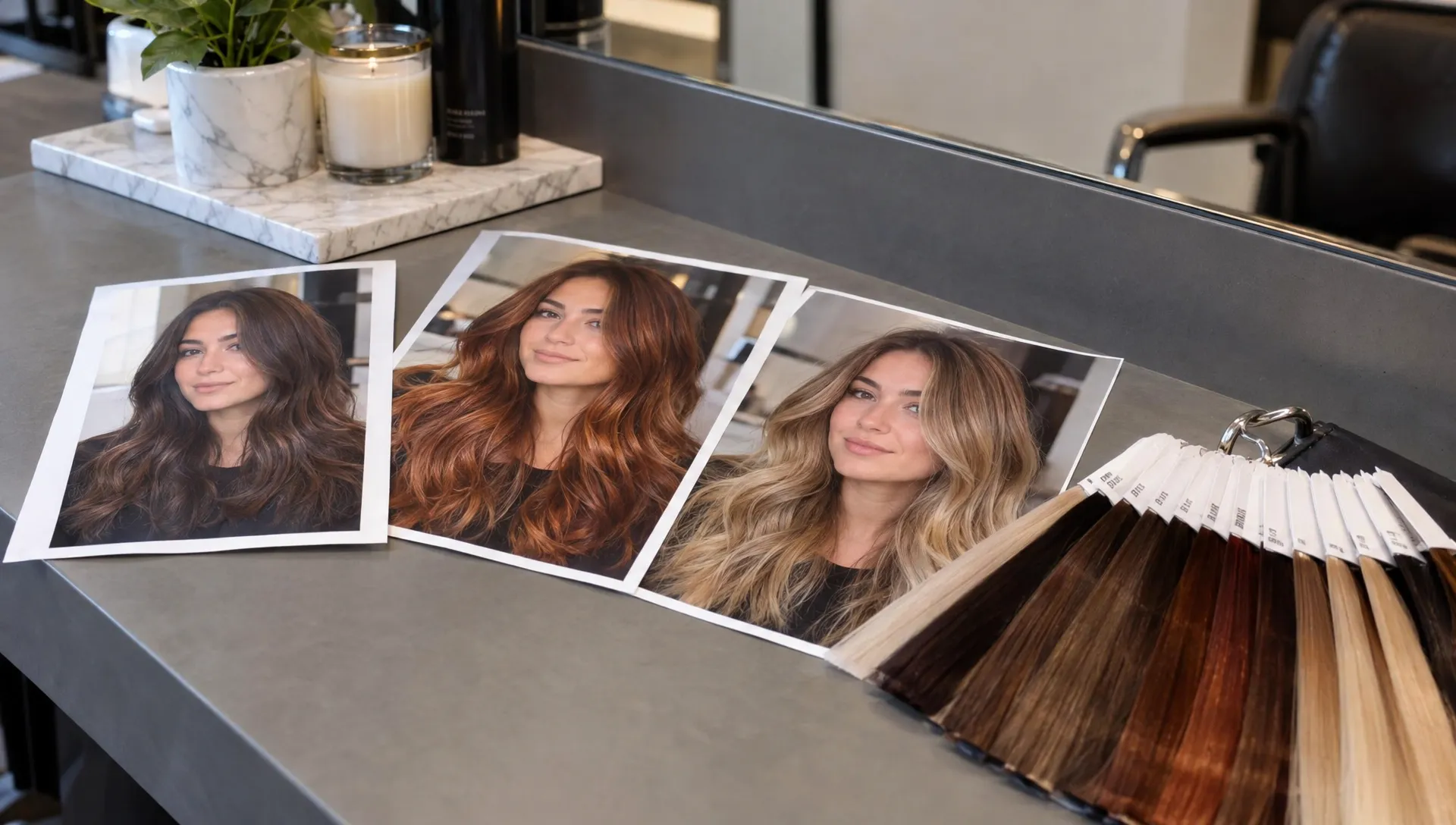
Turn the screenshot into a realistic salon plan
Separate the look you want from the service you need
Bring your preview to the consultation and describe the features you want to keep. Is it the brightness around your face, the deeper overall shade or the contrast between roots and ends? A stylist can then connect those preferences to an appropriate service.
A hair color changer screenshot works best as a visual reference when it is paired with your color history, maintenance preferences and hair-health priorities. It should not be treated as a finished specification that leaves no room for adjustment.
For example, a bright copper preview over dark, previously colored hair may require lightening first. If that does not fit your hair’s condition or appointment budget, a deeper copper-brown could be a more practical alternative. The goal is to preserve what you like about the image without promising the same result through an unsuitable process.
Ask for an achievable outcome and maintenance plan
Ask what is realistic at the first appointment, whether additional visits may be needed and what the color will look like as it fades. Discuss your willingness to return for root touch-ups, toner refreshes or other upkeep before settling on a shade.
If you want fewer appointments, how a hair color specialist plans a low-maintenance change explains how color goals can be aligned with your routine.
A strand test may help a stylist assess lift, tone and the hair’s response to a proposed process. It is more informative than a digital overlay because it involves your actual hair, although it still does not guarantee a perfectly identical result across every section.
Keep color testing and allergy testing separate
A strand test and an allergy alert test serve different purposes. One helps assess the hair’s response; the other addresses the possibility of a reaction to a product. Neither can be performed by a hair color changer, regardless of how advanced its preview looks.
The FDA’s guidance on hair dyes advises following product directions and performing the recommended skin test before each use. Tell your stylist about any previous reaction to hair dye. A history of burning, swelling or rash needs attention before another color service, not reassurance from an app.
Frequently asked questions
Can an app show my exact salon color? No. It can suggest how a shade might look around your face, but the finished result depends on your starting color, previous treatments, condition, application and lighting. Your stylist can assess feasibility more accurately than a photo filter.
Are AI-powered previews more accurate than basic filters? Some may identify hair boundaries or preserve shadows more convincingly. Better rendering improves the visual comparison, but it does not mean the tool can predict chemical processing or assess hidden damage.
Can I use a hair color changer to choose between warm and cool shades? Yes, it can help you compare your preferences, especially when you use the same unfiltered photo in neutral lighting. Bring both options to your consultation so your stylist can discuss which tones are achievable and how they may fade.
Why does the same shade look different on my phone and in the salon? Screen brightness, display settings, camera processing and surrounding light all influence perceived color. Real hair also reflects light and moves, while a saved preview captures only one view under one set of conditions.
Bring your color idea to Kingdom Cute
You do not need to arrive with the perfect shade selected. A clear photo, a few saved previews and an honest treatment history are enough to start a productive conversation.
At Kingdom Cute in Warner Robins, GA, personalized consultations and luxury hair coloring services help connect your preferred look with a practical salon plan. Book an appointment with Kingdom Cute to discuss your starting color, hair condition and maintenance preferences before committing to a change.

No comments:
Post a Comment